

Private share links
Share music privately with links you control
Send unreleased music with a private link that plays in any browser, decide whether it can be downloaded, and see when it was opened and played. Turn it off whenever you want.
Free plan, no credit card required.
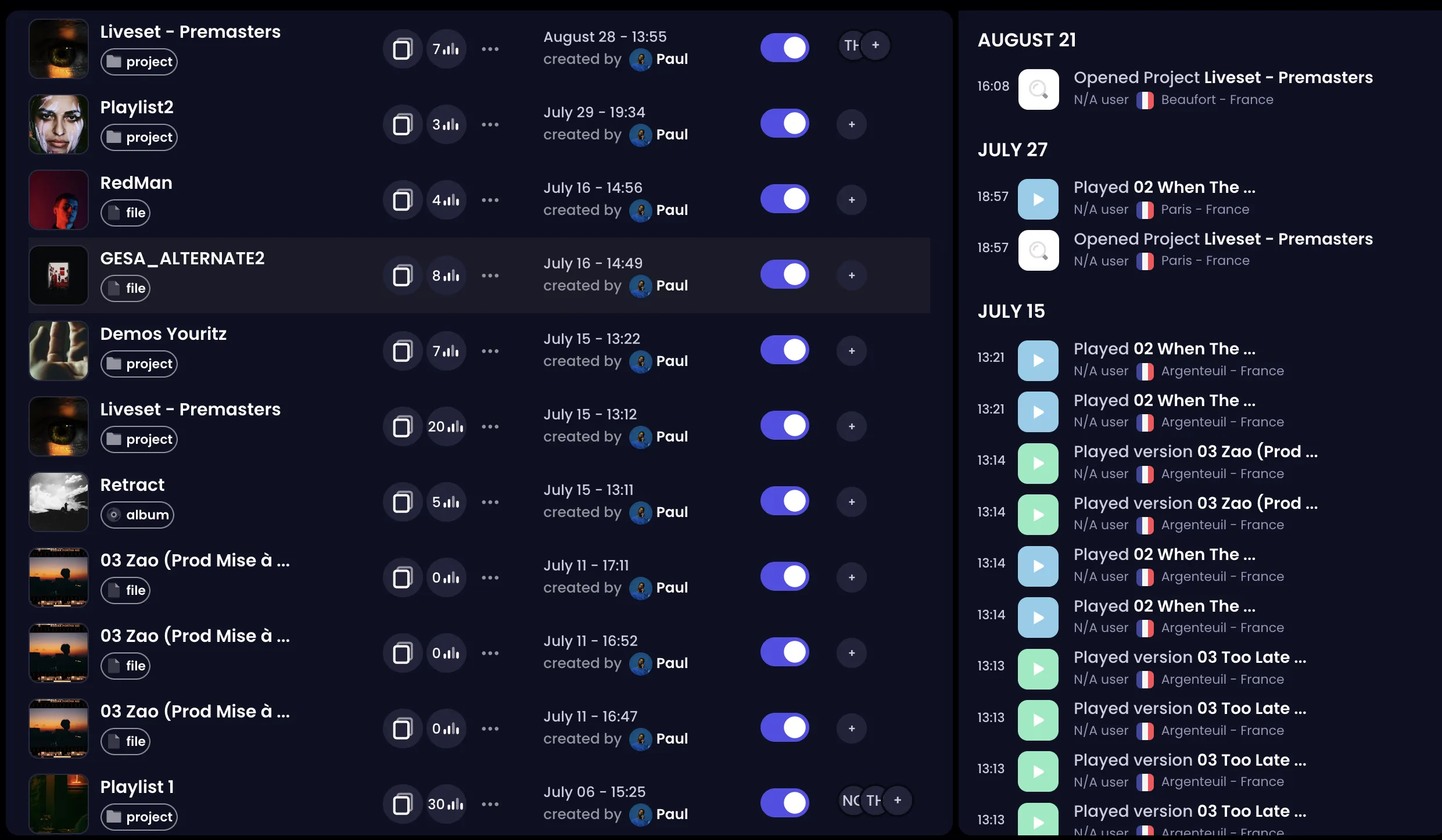
A private music link that streams in the browser
Create a link for a track, a project, an album or an artist page. The person you send it to presses play in their browser, with no app to install and no file to download first.
Stream only or download allowed, link by link
Each link has its own permissions, so you can send the same track to different people with different rights.
- Listening only: the link streams the track and offers no download.
- Downloads: allow the original file, an MP3 copy or attached documents.
- Collaboration: allow comments, review (Approve / Needs changes), uploads or a chat on the link.
- Several links per item: one for the label, one for the press, one for the band, each with its own settings and its own stats.
Protected links and leak control for unreleased music
When a track must not circulate, make the link protected: it then only opens for the people you invited or the members of your workspace. You can deactivate or delete any link at any time, and the music stops being reachable from it.
Listening stats: know if they listened
Did they open it? Did they press play? Each link shows its plays, opens, number of unique listeners and the last listen. The activity feed lists each open and play with its time and approximate location, and shows the listener's name when they are signed in.
Who uses it
Related features
- Inbox & file transferReceive files from clients and artists through one link, straight into your library.
- Timestamped commentsComment at the exact second on the waveform, reply, and mark notes as resolved.
- Numa Studio vs SoundCloud private linksA publishing platform's private links versus a private workspace.
Frequently asked questions
How do I send unreleased music without it leaking?
Send a stream-only link so there is nothing to download, use a protected link so only invited people can open it, and deactivate the link once it has done its job.
Can I see who listened to my track?
Each link shows plays, opens, unique listeners and the last listen time. The activity feed shows each event with its time and approximate location, and the name of listeners who are signed in.
Can I create several links for the same track?
Yes. Each link has its own permissions and its own statistics, so you can tell which recipient listened.
Do listeners need an account?
No, a regular link plays for anyone who has it. A protected link only opens for the people you invited or for members of your workspace.
Bring your next session into Numa Studio
Upload a track, share a private link and get feedback at the exact second it matters. Start on the free plan and upgrade when your catalog grows.
Start freeFree plan, no credit card required.
